Maintain · Notes
Notes: written once, remembered everywhere
A note lives on the account, the person or the deal it is about. Write it yourself or accept the one Parker drafted from a meeting. Either way it becomes part of the memory every teammate and every worker reads.
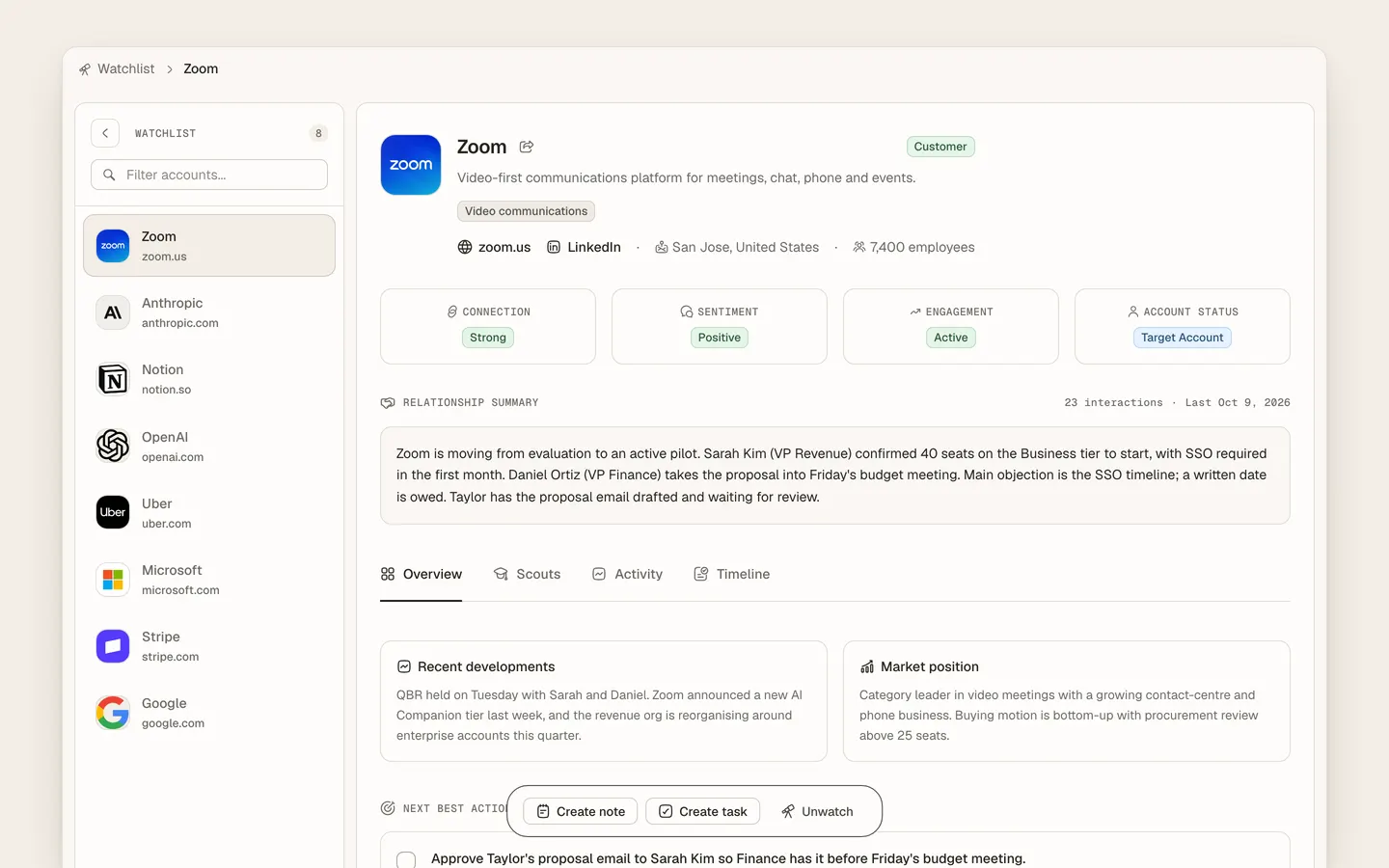
Notes are the human layer of customer memory in Heliyos. Each note attaches to a company, person or deal and appears in that record’s timeline beside emails, meetings and worker updates. Parker drafts notes from meetings and threads; you edit or write your own. Workers read notes as context before a run, so a preference you captured once changes the next follow-up Taylor writes. Notes are searchable across the workspace and shared with the team.
Use cases
Use cases
"They hate being called on Mondays"
Write it on the person. The next time Taylor proposes a meeting it avoids Mondays, and the note is right there for whoever calls next.
The meeting notes are already written
Parker drafts them from the transcript. Fix a line, and your version is the one the team and the workers remember.
A note about pricing matters to the deal and the champion
Mention both and the note shows up on the deal and on the person. One note, every relevant place.
"What did we promise them in March?"
Search the notes, or ask Heliyos. The answer comes with the note and the meeting it came from.
A new teammate takes over the account
The notes are on the record in order, next to the conversations they refer to, not in someone’s drive.
Notes as context, not just storage
Workers read account notes before they act, so what you know shapes what they do.
How it works
How it works
- 01
Write or let a worker draft
Add a note from any record, or accept the one Parker drafted after a meeting.
- 02
It attaches itself
The note lands on the company and on any person or deal you mention.
- 03
Workers use it
The next run on that account reads the note along with the rest of the memory.
- 04
The team finds it
Search, the record timeline and Ask Heliyos all surface it when it is relevant.
Workers
Who works here
Workers show up where the team already is, with a clear marker for who did what. Your own custom workers join them.
 Parker
FAQ
Questions people ask
- Are notes private or shared?
- Shared with the workspace by default, because customer memory works best when the whole team and the workers see the same facts.
- Can an AI worker write notes for me?
- Yes. Parker drafts notes from meetings and threads. You can edit or delete them; your version stays.
- Do notes change what workers do?
- Yes. Workers read notes on the account as context, so preferences and history you record change how they act.
Deploy your first AI worker, today.
Closed beta, usage-based pricing, no seats. Join the waitlist and we review your request.